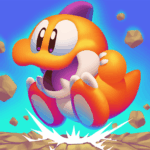
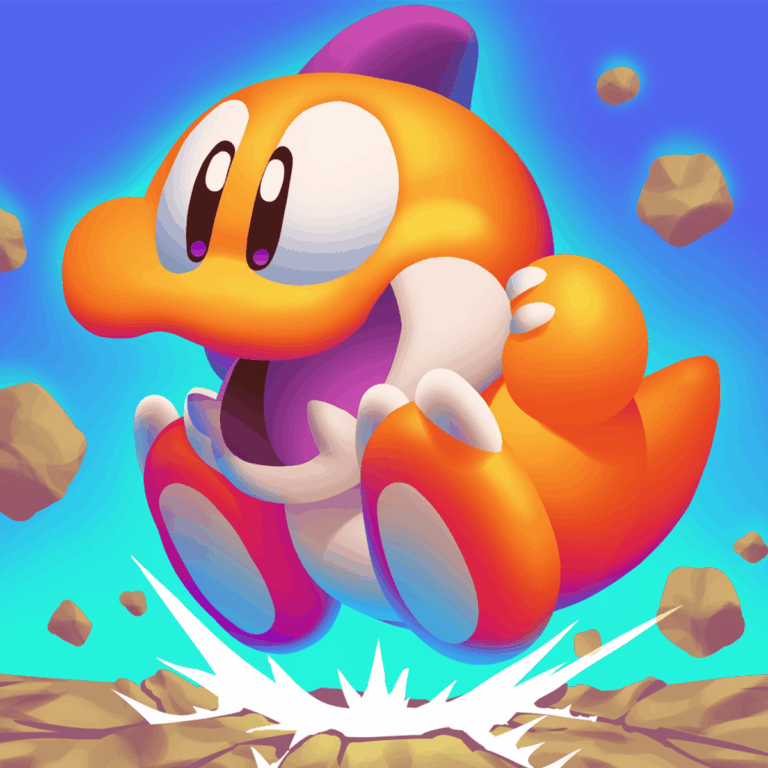
Guide Mina and Kiwi through vibrant stages, stun creatures with a quake and play solo or in local two-player mode.
Shake the stage, don't just jump over danger
Dino Quake looks like a colorful dinosaur adventure, but its main idea is more tactical than a standard jumping game. Neutronized’s arcade platformer lets your little dinosaur create a ground-shaking attack that stuns opponents. Instead of simply running away from every threat, you can stop an enemy long enough to approach and knock it out. This creates a rhythm: move into position, trigger the quake, and act while the opponent is vulnerable.
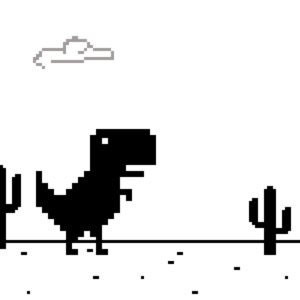
That rhythm helps distinguish Dino Quake from Dinosaur Game, where the goal is to avoid cactus obstacles with jump timing. Here you need to choose a place to stand and a time to attack. A poorly timed quake can leave you exposed even if you know how to jump well.
Player 1 and Player 2 use different keys
For one player, the official controls are A and D to walk, W to jump, S to drop through a platform, and Space to launch a quake. In local two-player mode, the second player uses the Left and Right arrows, Up to jump, Down to drop and Alt or Ctrl for the quake. Read these before inviting a friend: both players need a comfortable set of keys and enough room to avoid pressing each other’s actions by accident.
Practise the movements separately first. Walk across a safe area, jump to a different platform and experiment with dropping down. Once those movements feel familiar, test the quake while an opponent is at a sensible distance. The goal is not to press every key at once but to learn which action solves the immediate challenge.
What a good quake creates: a short opening
The official description says that a quake can stun an enemy and make it possible to knock the opponent out. This is more useful than attacking blindly while a creature is still moving unpredictably. Look for a safe position from which the shock can reach the opponent. After stunning it, close the distance carefully rather than jumping into another hazard.
Some sections may require you to manage vertical space as well. If an enemy is on a different height, use your jump or drop control to line up a better approach. Notice whether the floor and platforms provide space to retreat after an unsuccessful attempt. Treat the environment as part of the fight, not just decoration around the enemies.
Working together in local co-op
Playing with two people changes the challenge because you can divide attention across different parts of the stage. One player may help open a route while the other handles an enemy, or both can move together when a section becomes difficult. Coordinate before making simultaneous jumps or quakes so that a well-timed action from one dinosaur does not distract the other.
Begin with short instructions such as ‘I’ll jump first’ or ‘stun that enemy now’ rather than complicated plans. If your inputs overlap, take a moment to reset positions. The second player has a different action key, so it is worth practising a few attacks away from danger before trying harder stages together.
Where to go next after Dino Quake
If you enjoy the platform movement but want a more open-ended escape, try Dino Run, which uses arrows and Shift dash while you flee extinction. Retro Rex adds more dinosaur abilities, including bite, eat and roar, while Rio Rex emphasizes attack and destruction. All three are separate games with different difficulty loops.
Our Dinosaur Platform Games guide compares controls and objectives side by side. For a slower experience built around upgrades instead of immediate reaction, consider Dino Miner. Browse All Games to see the complete selection. The external player may be updated by its provider, so use current on-screen instructions if they differ.
Original listing: Dino Quake on Poki. This independent guide does not own the externally hosted game.